

Pixel Calm
Color a few quiet pixels before bed. No ads, no timers, works offline.
PLAY1,000 pictures · iPhone and iPad · Free
Color by number, one quiet pixel at a time
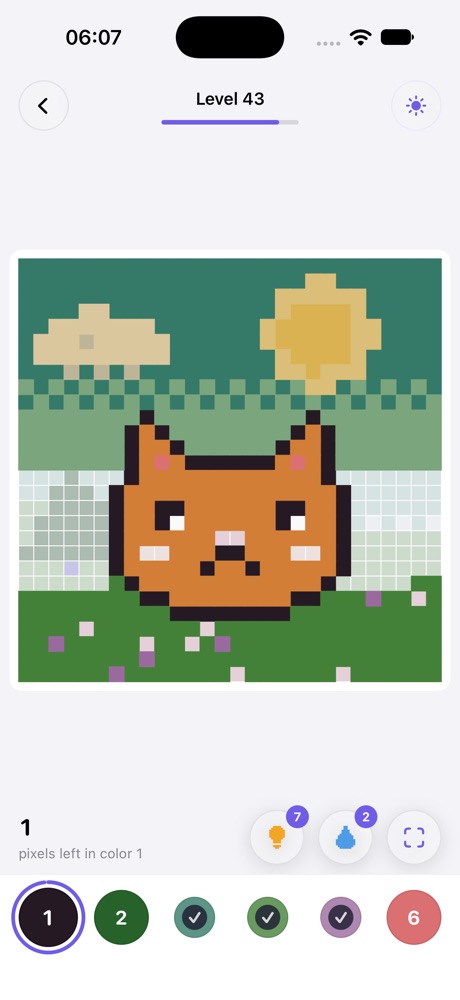
Pick a number, tap its squares, watch the picture appear. No timer, no lives, no pressure.
Made for winding down
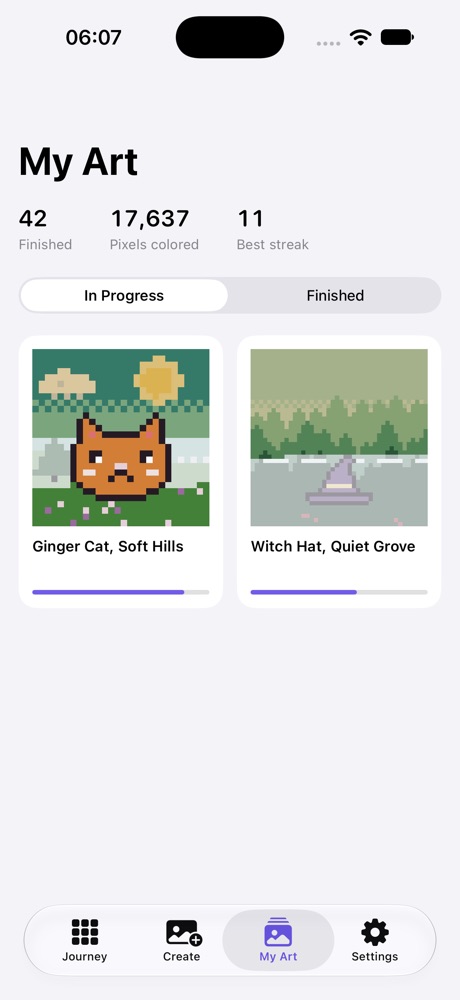
1,000 pixel pictures
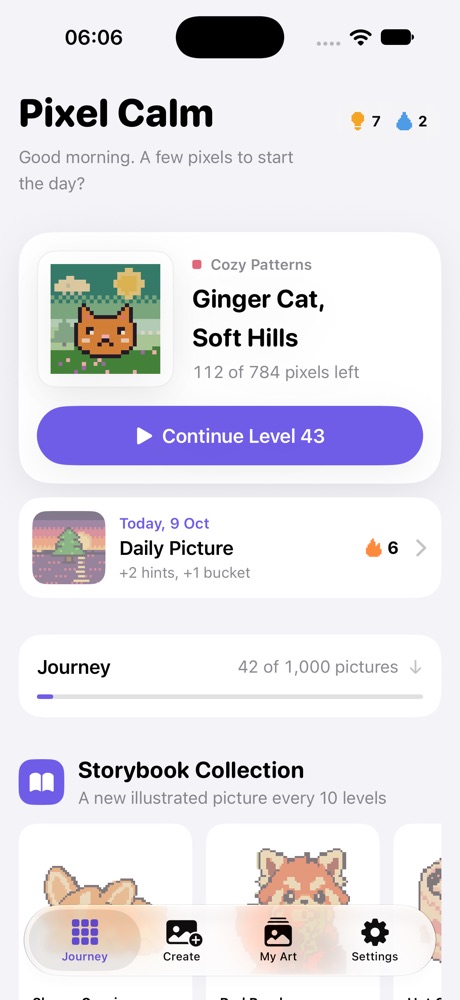
Cats, cottages, forests and night skies across 50 worlds. A Daily Picture keeps a gentle streak, and a new Storybook illustration arrives every 10 levels.
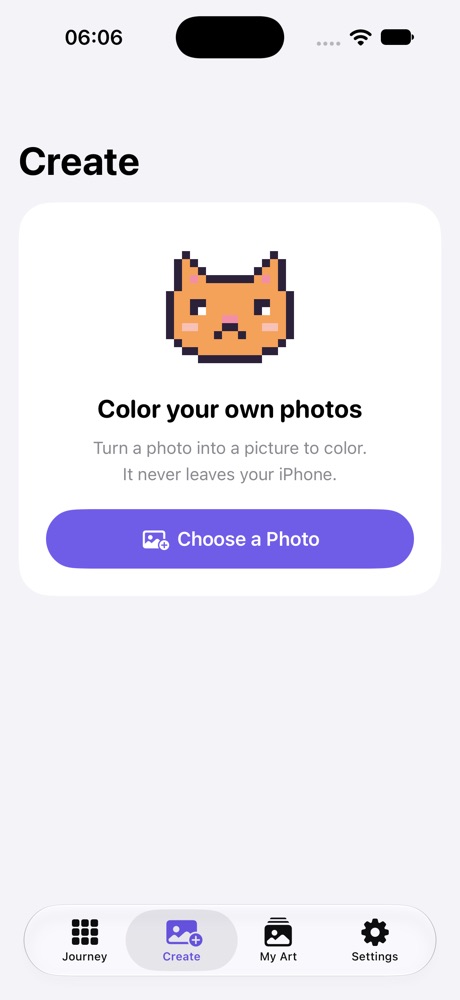
Your own photos
Turn a photo of your pet, your garden or your trip into a color-by-number picture. It is made on your iPhone and never uploaded.
Easy on the eyes at night
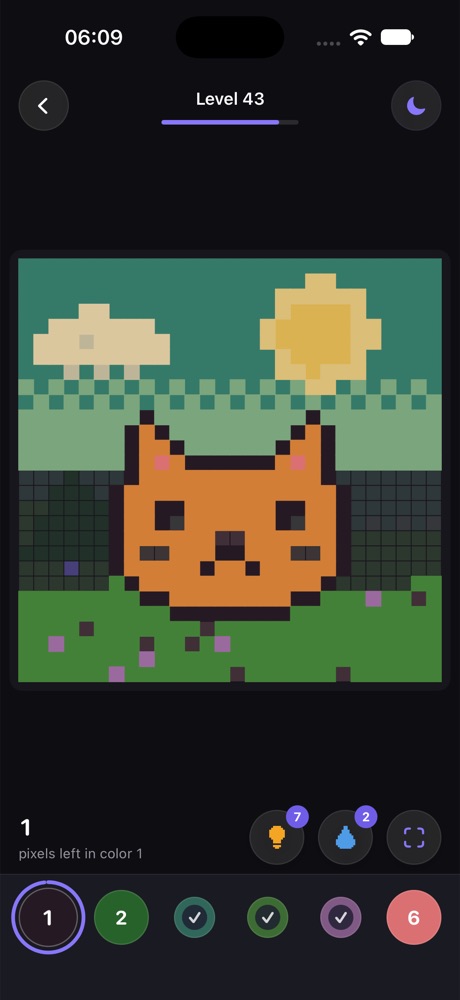
Light, Dark and true-black Midnight themes, plus a Night Filter with warmer, dimmer colors for the last minutes before sleep.
Sounds that settle you
Soft chimes as each pixel fills, gentle rain ambience and calm piano jazz. Every sound has its own switch.
Never lose a pixel
The selected number is highlighted on the board, a hint flies you to the last missing square, and a paint bucket fills big areas in one tap.
A time-lapse of your work
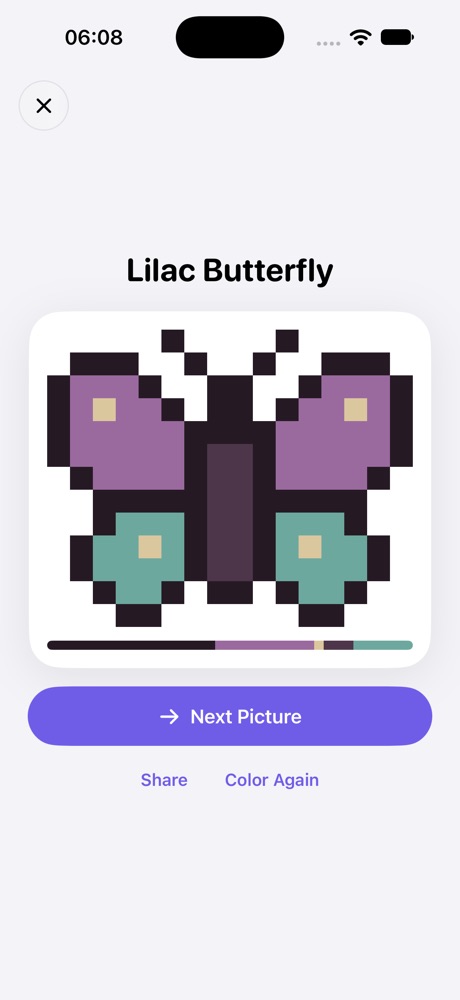
Every finished picture replays the order you colored it, with a ribbon of its palette. Save it or share it.
The calm promise
Coloring apps are often loud with ads and timers. Pixel Calm is not.
- No ads, ever
- No timers or lives
- Works fully offline
- Nothing expires or resets
- No account, no tracking
- Free to play, one optional purchase
Questions
Is Pixel Calm free?
Yes. All 1,000 pictures, the Daily Picture, Storybook pictures and your own photo pictures are free. Pixel Calm Plus is one optional one-time purchase for unlimited hints and paint buckets. There is no subscription.
Does it have ads?
No. There are no banner ads, no video ads and no ads to earn rewards. Hints and buckets refill by finishing pictures and the Daily Picture.
Does it work without internet?
Yes. Every picture, every sound and the photo converter work offline, on a plane or in bed with Wi-Fi off.
Can I color my own photos?
Yes. Choose a photo and Pixel Calm turns it into a pixel picture with numbered colors. The conversion runs on your device and the photo is never uploaded.
Is there a dark mode?
Yes: Dark, and Midnight with true black for OLED screens, plus a Night Filter that warms and dims the colors.
Which devices does it run on?
iPhone and iPad with iOS 18 or later.
When is it out?
Pixel Calm is coming soon to the App Store. Write to game@pixelcalm.app to hear the day it launches.